Learn how to build a complete AI workflow for social media content creation. Step-by-step guide using AI tools to generate ideas, design posts, automate tasks, and grow faster.
Introduction: Why AI Workflows Matter Today
Creating content for social media platforms like Instagram, YouTube, Facebook, LinkedIn, and TikTok can be time-consuming. You need ideas, captions, graphics, hashtags, and consistent posting — every single day.
AI workflows solve this.
An AI workflow means a series of automated steps that use AI tools to generate, optimize, and publish social media content — with minimal manual effort. Instead of spending hours brainstorming and designing, you allow AI to handle 70–80% of the work.
In this guide, I’ll show you how to build a complete AI workflow for social media content creation — even if you are a beginner. You’ll learn what tools to use, how to automate tasks, and how to maintain quality so your content gets more engagement and your brand grows faster.
What Is an AI Workflow for Social Media?
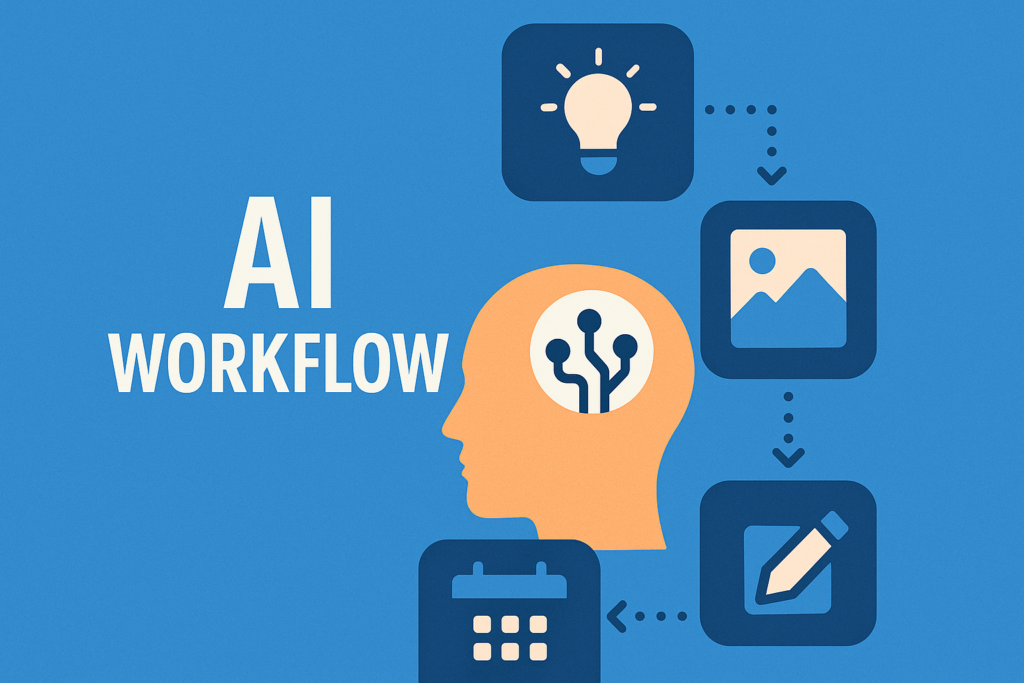
An AI social media workflow is a structured process where AI tools assist you in:
- generating post ideas
- writing captions
- designing graphics and videos
- scheduling posts
- researching hashtags
- analyzing performance
A well-designed AI workflow saves time, boosts creativity, and ensures consistent posting across multiple platforms.
Benefits of Using AI Workflows
✅ 1. Saves 80% of your time
AI tools automate repetitive work like writing captions or cropping images.
✅ 2. Helps you post consistently
Consistent posting = higher reach + better algorithm ranking.
✅ 3. Generates fresh ideas automatically
AI never runs out of ideas — even when you do.
✅ 4. Improves content quality
AI can suggest better visuals, captions, and hashtags.
✅ 5. Perfect for beginners or busy creators
You don’t need to be a designer or writer anymore.
Step-by-Step: How to Build an AI Workflow for Social Media Content Creation
Below is the full workflow you can follow. You can use free or paid tools depending on your needs.
Step 1: Define Your Content Goals
Before using AI, you must decide:
- What platforms are you posting on?
- What type of content will you create?
- Who is your target audience?
Example
- Platforms: Instagram + YouTube Shorts
- Niche: Fitness motivation
- Target: People aged 18–30
This clarity helps AI generate accurate content.
Step 2: Use AI to Generate Unlimited Content Ideas
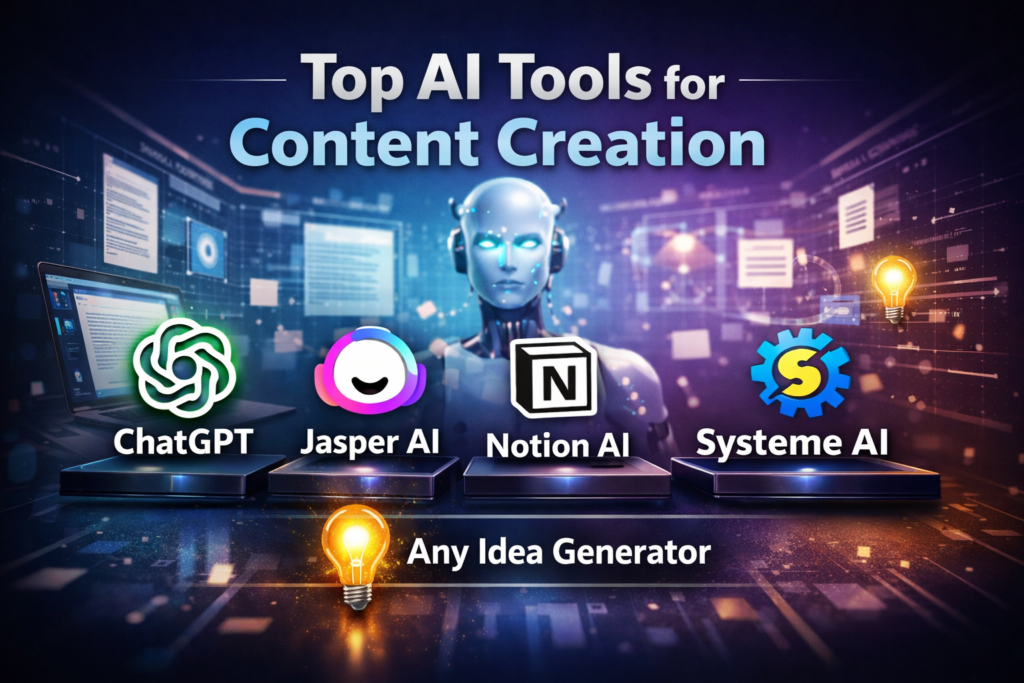
Tools:
- ChatGPT
- Jasper AI
- Notion AI
- Systeme AI
- Any idea generator
Prompt Example You Can Use:
“Give me 30 social media content ideas for a fitness motivation account targeting young adults.”
AI will give you post types like:
- “7 reasons to start your fitness journey today”
- “3 home exercises anyone can do”
- “Daily fitness challenge – Day 1”
Save these ideas in a spreadsheet or Notion.
Step 3: Create a Content Calendar Using AI
AI tools can automatically structure your posting plan.
Weekly Posting Strategy Example:
| Day | Content Type |
| Monday | Motivational quote |
| Tuesday | Short video tutorial |
| Wednesday | Before/after transformation post |
| Thursday | Fitness infographic |
| Friday | Q&A post |
| Saturday | Workout challenge |
| Sunday | Rest day story |
Ask AI:
“Create a 30-day content calendar for a fitness social media account.”
You now have a structured posting plan.
Step 4: Generate Captions Using AI (High-Engagement Style)
Captions must be:
- short
- emotional
- easy to read
- call-to-action (CTA) included
AI Prompt Example:
“Write a short, engaging Instagram caption for a workout video. Include a motivational tone and a CTA such as ‘Save for later’.”
AI Caption Example:
“Start today. Not tomorrow. Your future self is waiting. 💪🔥
Save this workout and try it tonight!”
You can create 30–50 captions in one go.
Step 5: Use AI Tools to Create Stunning Visuals
Best AI tools for content creation:
1. Canva AI
- Auto design templates
- Auto resize for each platform
- AI background remover
- Magic Design (auto post creation)
2. CapCut AI + TikTok Creative Studio
Perfect for video editing, reels, and shorts.
3. Midjourney / DALL·E
To generate custom images, thumbnails, or backgrounds.
4. Adobe Express AI
Professional reels + images + templates.
How to use AI to create posts:
- Paste your AI-generated caption into Canva AI.
- Choose a template style that matches your niche.
- Use “Magic Design” to automatically generate variations.
- Download or export directly to Instagram/Facebook.
This makes the entire design process 5× faster.
Step 6: Automate Hashtag Research Using AI
Tools:
- ChatGPT
- Hashtagify
- Inflact
- RiteTag
Ask ChatGPT:
“Give me 20 low-competition, high-reach hashtags for fitness reels in 2025.”
AI will give category-based hashtags:
- #FitnessMotivation
- #GymLifeDaily
- #WorkoutReels
- #FitMindset
- #NoExcusesToday
Use a mix of:
- 2–3 high-volume hashtags
- 4–5 medium hashtags
- 3–4 niche hashtags
This increases reach and improves post discoverability.
Step 7: Automate Scheduling and Posting
Best Scheduling Tools:
- Buffer
- Hootsuite
- Meta Creator Studio
- Later
- Metricool
Benefits:
- Auto-posting without manual effort
- Best-time posting
- Consistent uploads
- Analytics tracking
- Multi-platform posting
Once your post threads (idea + caption + visual) are ready, upload them to the scheduler and automate the entire month.
Step 8: Automate Performance Analytics
Tools:
- Instagram Insights
- Metricool
- Notion AI
- Google Sheets + AI formulas
Track:
- Reach
- Saves
- Shares
- Impressions
- Follower growth
- Best performing content types
AI can generate a weekly report:
“Analyze my last 10 Instagram posts and recommend improvements.”
It will tell you:
- Which colors worked
- Which captions got more engagement
- Best posting days
- Topics that went viral
- Video length suggestions
You now improve continuously.
Complete AI Workflow Summary (Easy to Follow)
- Use AI to generate ideas
- Build a 30-day content calendar
- Create captions using AI
- Design visuals using Canva AI
- Automate hashtag research
- Schedule everything
- Analyze and improve
This workflow can be repeated every month.
Conclusion
AI workflows are transforming content creation. Whether you are a creator, business, or social media manager, building an AI-driven workflow will save time, improve quality, and help you grow faster online.
By following the steps above — idea generation, caption creation, design automation, hashtag research, scheduling, and analytics — you can create 30 days of social media content in just 2–3 hours.
This workflow is beginner-friendly, scalable, and can help your website gain fast traffic because the topic is trending and high-value.